
How to swap ETH to BTC
Learn how to swap ETH to BTC: prepare a Bitcoin address, review the quote, send the exact ETH deposit, and track both transactions.
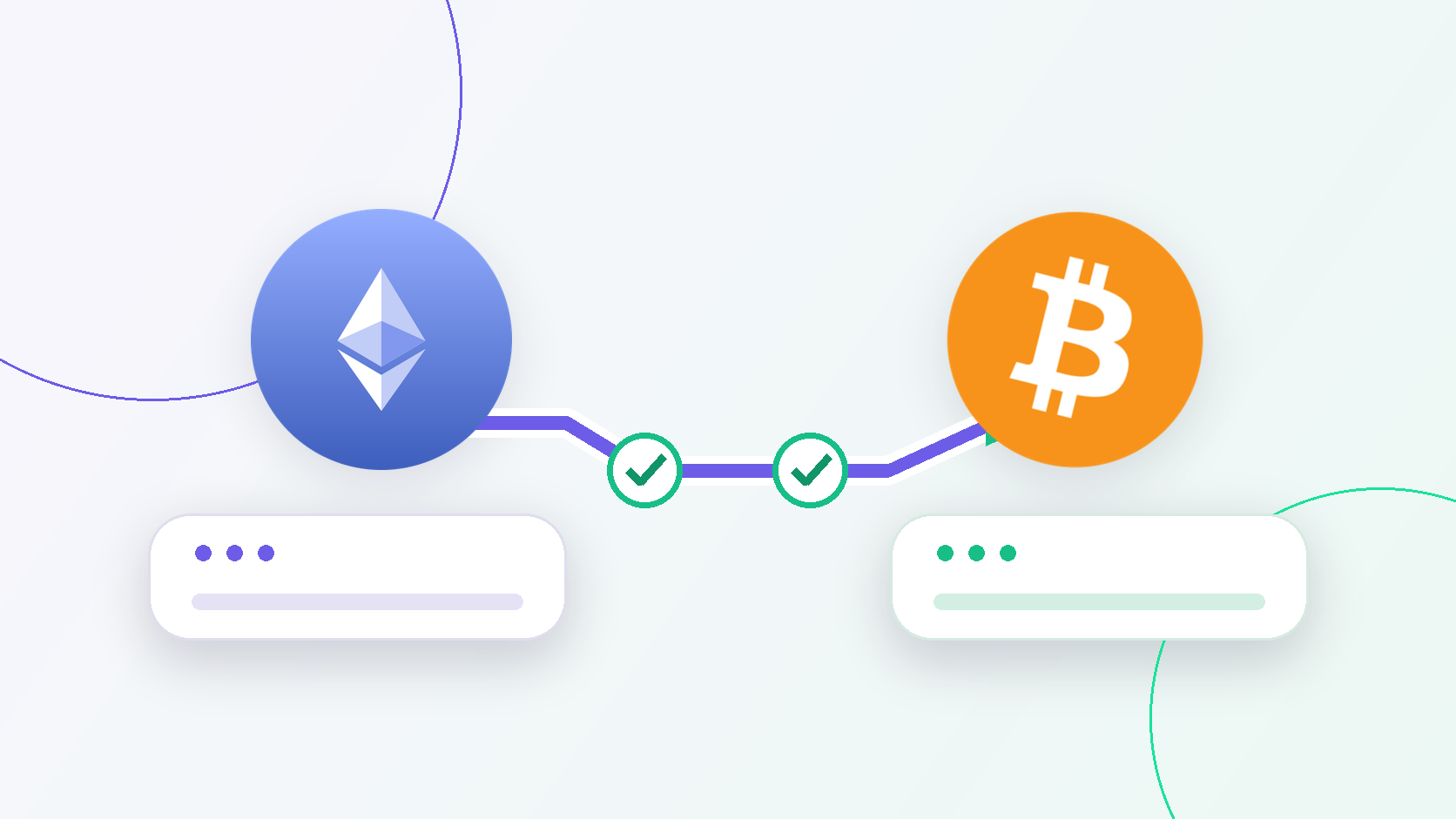
To swap ETH to BTC, prepare a Bitcoin receiving address, open the ETH to BTC route, review the estimated BTC payout, and create the exchange. Then send the exact ETH amount to the deposit address shown for that exchange and save the transaction IDs.
The most important checks are the receiving address, expected payout, deposit amount, and networks. Bitcoin and Ethereum are different networks, so an Ethereum address cannot receive native BTC.
1. Prepare a Bitcoin receiving address
Open the wallet or platform where you want to receive BTC:
- Choose Receive or Deposit.
- Select BTC and the Bitcoin network.
- Copy the address from the current receiving screen.
- Keep the address ready to paste into LightSwap.
Your receiving address is public information that you can share when someone needs to send you BTC. Your recovery phrase, private key, and wallet password are secret. Never enter them into a website or send them to support.
Do not use an Ethereum 0x address as a Bitcoin receiving address. Ethereum's wallet guide explains that Bitcoin uses different network rules and a different address format. Copy the address instead of typing it manually.
2. Review the ETH to BTC route
On the ETH to BTC page, check the complete route before creating the exchange:
| Check | What you should see |
|---|---|
| Sending asset | ETH on Ethereum |
| Receiving asset | BTC on Bitcoin |
| Amount | The exact ETH amount you intend to exchange |
| Estimated payout | The expected BTC amount for the current quote |
| Conditions | Any amount limit or time condition shown for this exchange |
A public ETH/BTC market price is only a reference. The expected payout for your exact amount and route is the number to review. If it changes or looks different from your calculation, read why swap rates change before proceeding.
3. Enter the address and create the exchange
Paste the Bitcoin receiving address from step 1 into the receiving-wallet field. Compare the first and last characters with the address in your wallet, then check that the receiving asset and network still show BTC on Bitcoin.
Review the quote once more and create the exchange only when every detail is correct. The standard flow does not ask you to connect your wallet to the website. You provide a public receiving address and send the deposit yourself. Learn more about swapping without connecting a wallet.
4. Send the exact ETH deposit
After you create the exchange, LightSwap shows an ETH deposit address and the exact amount to send. This deposit address is where you send ETH. It is not the Bitcoin address where you will receive BTC.
- Copy the deposit address from the current exchange.
- Send the exact requested ETH amount from your Ethereum wallet.
- Keep enough ETH in the sending wallet for the separate Ethereum sending cost shown by that wallet.
- Do not send another asset or reuse details from an old exchange.
- Save the quote ID and the ETH transaction ID from your wallet.
If the quote expires, start a new exchange instead of sending to the old details. Do not send a second deposit to fix a mistake unless support gives you instructions for your case.
5. Track the ETH deposit and BTC payout
One exchange involves two different transactions:
| Transaction | Where to find it | What it tells you |
|---|---|---|
| ETH deposit | Your sending wallet and an Ethereum explorer | Whether your ETH transfer was broadcast and confirmed |
| BTC payout | The exchange status page and a Bitcoin explorer | Whether BTC was sent to your receiving address |
The quote ID identifies your LightSwap exchange. It is not a blockchain transaction ID. When the payout transaction appears, the status page provides its transaction hash and an explorer link. The transaction tracking guide explains how to read these details.
Broadcasting a transaction is not the same as receiving a confirmation. The Bitcoin Developer Guide explains that transactions gain confirmations as blocks are added and that services can apply their own confirmation requirements. Your wallet or receiving platform may also wait for its required number of confirmations before showing the funds as available.
If something goes wrong
| Situation | What to do |
|---|---|
| No ETH transaction ID in your wallet | Check whether the wallet broadcast the deposit. Do not create another deposit yet. |
| ETH deposit is pending | Monitor the transaction and do not resend it. Confirmation timing can vary. |
| Deposit is confirmed but the exchange does not progress | Contact LightSwap support with the quote ID and ETH transaction ID. |
| You sent the wrong amount | Do not add another deposit. Contact support with the exchange details. |
| You entered the wrong receiving address | Contact the service that controls that address immediately. Recovery is not guaranteed. |
| Quote expired | Start a new exchange and use only its current deposit details. |
A confirmed blockchain transfer cannot be canceled. Always check the assets, networks, addresses, amount, and expected payout before sending.
The standard public LightSwap flow starts with no LightSwap account required and No KYC. A specific transfer can still need review. Read about No KYC and review checks for that distinction.
Final checklist
- You copied a BTC receiving address from the Bitcoin receive screen.
- The route shows ETH on Ethereum and BTC on Bitcoin.
- The expected BTC payout is acceptable.
- The ETH deposit amount and address come from the current exchange.
- The sending wallet has enough ETH for the deposit and its separate sending cost.
- You saved the quote ID and ETH transaction ID.
When these checks are complete, open the ETH to BTC route and review your current quote.
Related articles

Track a crypto transaction
Find a crypto transfer by its TXID, open the correct block explorer, and understand whether it is pending, confirmed, or failed.
Why crypto swap rates change
Why the amount you receive can differ from an earlier estimate, what a swap quote includes, and what to check before sending crypto.
Ready to make a swap?
Choose the pair, check the route, and continue from your wallet when you are ready.
Try itChoose assets
You send
$562.30
You receive
Rate: -
Estimated time: 1 minutes