
How to swap crypto without connecting a wallet
Learn how to swap crypto without connecting a wallet, using a receiving address and a deposit you send yourself from your wallet.
Yes. With LightSwap's standard swap flow, you do not need to connect your wallet to the website. Choose the assets, review the quote, enter the receiving wallet address, and then send the exact deposit from your wallet yourself.
This is not the same as swapping without any wallet. You still need a wallet to send the deposit and a compatible address to receive the asset you want.
Wallet connection and address-based swapping are different
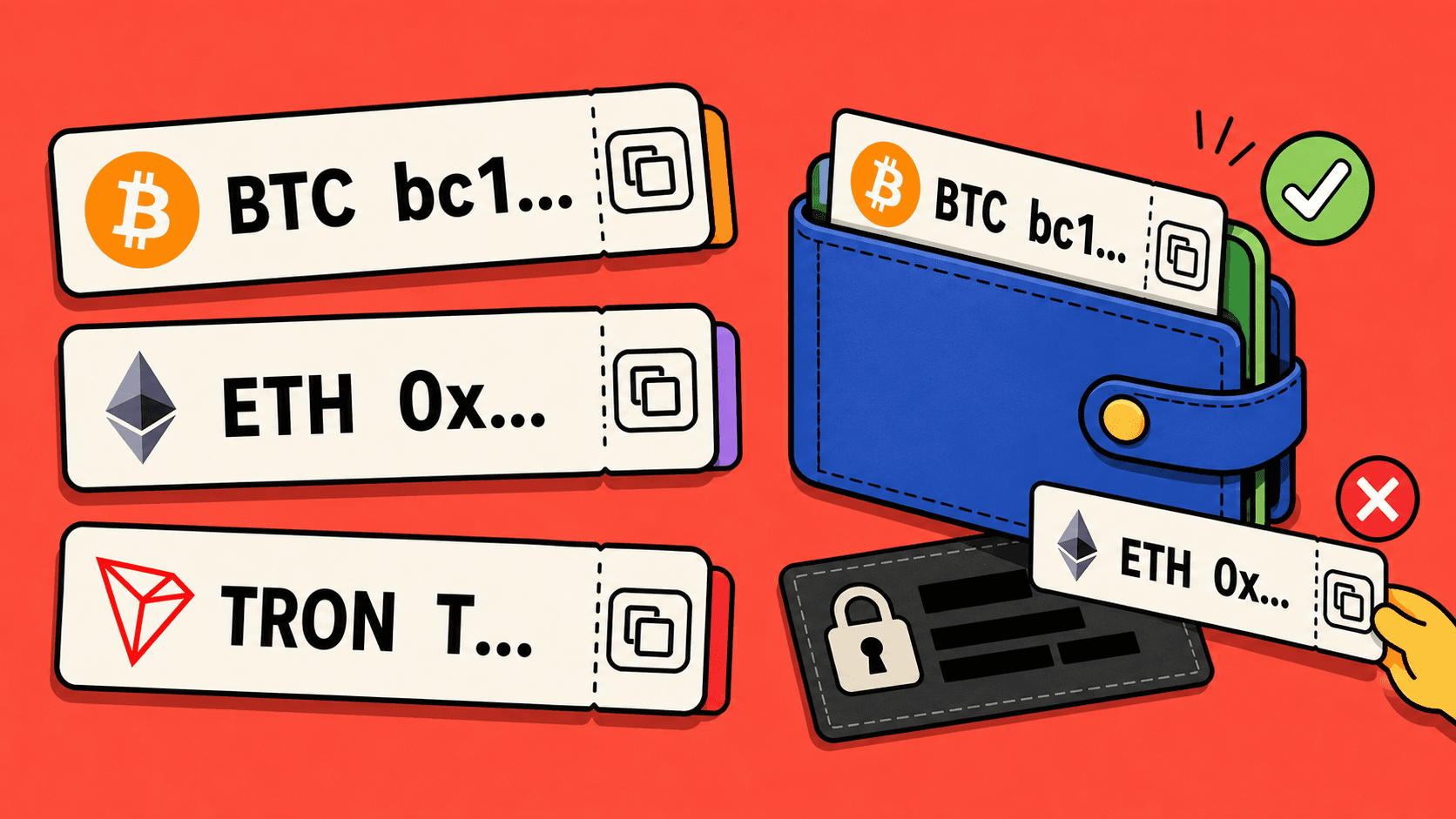
Connecting a wallet links the wallet to a website through a separate action. An address-based swap uses public wallet addresses for sending and receiving instead. Ethereum's wallet guide presents receiving, sending, and connecting to projects as different actions.
Here is what each step means for a standard LightSwap swap:
| Step or item | What it means | Needed for a standard swap? |
|---|---|---|
| Connect your wallet | Link your wallet to a website through a wallet prompt. | No. This is not part of the standard flow. |
| Enter a receiving address | Provide the public address where you want to receive the destination asset. | Yes. |
| Send a deposit | Make a transfer from your wallet to the deposit address shown for your exchange. | Yes, after reviewing the exchange details. |
| Create a LightSwap account | Use optional account features. | No, not to start a standard public swap. |
| Share a recovery phrase or private key | Reveal the secret that controls your wallet. | Never. |
A receiving address is public information that is meant to be shared. A recovery phrase, seed phrase, private key, or wallet password is secret and must stay private.
Receiving and deposit addresses have different jobs
Two addresses appear in an address-based swap, and they should not be confused:
- Receiving address: the address where you want the asset you are buying to arrive. You copy it from your receiving wallet and enter it before creating the exchange.
- Deposit address: the address where you send the asset you are selling. LightSwap shows it after the exchange is created, together with the exact amount and any required memo or tag.
For example, in a BTC to USDT swap, you first provide a USDT receiving address on a network your wallet supports. After reviewing the exchange, you send the exact BTC amount to the BTC deposit address shown for that exchange.
The sending wallet must match the deposit asset and network. The receiving wallet must support the destination asset and network you selected. If a memo or tag is shown as required, include it exactly. Read how to find and check a receiving address before copying the details.
How to swap on LightSwap without connecting your wallet
- Choose the exchange. Select the asset you want to send, the asset you want to receive, and the networks. Enter the amount and review the estimated payout and route conditions.
- Enter the receiving address. In your receiving wallet, open the receive screen for the exact asset and network. Copy the address and paste it into LightSwap. Check it carefully.
- Review and create the exchange. Confirm the assets, networks, amount, estimated payout, and receiving details. The standard flow does not ask you to connect your wallet.
- Send the exact deposit. LightSwap displays a deposit address and the amount to send. Send that exact amount from your wallet, using only the current exchange instructions. Include the memo or tag when required. If the quote has expired, start a new exchange instead of using the old details.
- Save and track. Save the exchange ID and the deposit transaction ID from your wallet. Use the exchange status page to follow the swap. If something looks wrong, contact LightSwap support with those IDs.
You can review a route in the LightSwap swap form before deciding whether to send anything. For a concrete example, see the BTC to USDT walkthrough.
What skipping a wallet connection does not change
Not connecting a wallet changes how you start the swap. It does not remove the need for careful checks:
- Confirm that you opened the correct LightSwap website.
- Check the sending and receiving assets, networks, addresses, amount, and expected payout.
- Use only the deposit details from the current exchange.
- Do not send another deposit to fix a mistake unless support gives you case-specific instructions.
- Remember that a confirmed blockchain transfer usually cannot be reversed.
Skipping the connection also does not make every website trustworthy or every swap suitable for you. Ethereum's security guide recommends checking the domain and transaction details before sending.
Never share your recovery phrase, private key, or wallet password with a website or support agent. Ethereum's guide states that no legitimate service needs these secrets. LightSwap support should never ask for them either.
Finally, not connecting your wallet is a separate concept from No KYC and anonymity. A standard LightSwap swap starts with no LightSwap account required and No KYC, but a specific transfer can still need review. Read what no account and No KYC mean for that distinction.
FAQ
Can I send from one wallet and receive in another?
Yes. The sending wallet and receiving wallet can be different. The receiving wallet must support the exact asset and network you select, and the address must match them.
Can I close the browser after sending the deposit?
First save the exchange link or ID and the deposit transaction ID. You can use them to return to the exchange status or contact support. Do not rely on an open tab as your only record.
Related articles
Ready to make a swap?
Choose the pair, check the route, and continue from your wallet when you are ready.
Try itChoose assets
You send
$685.59
You receive
Rate: -
Estimated time: 1 minutes