
How to swap BTC to USDT
A step-by-step BTC to USDT article covering the receiving network, quote, Bitcoin deposit, and transaction tracking.
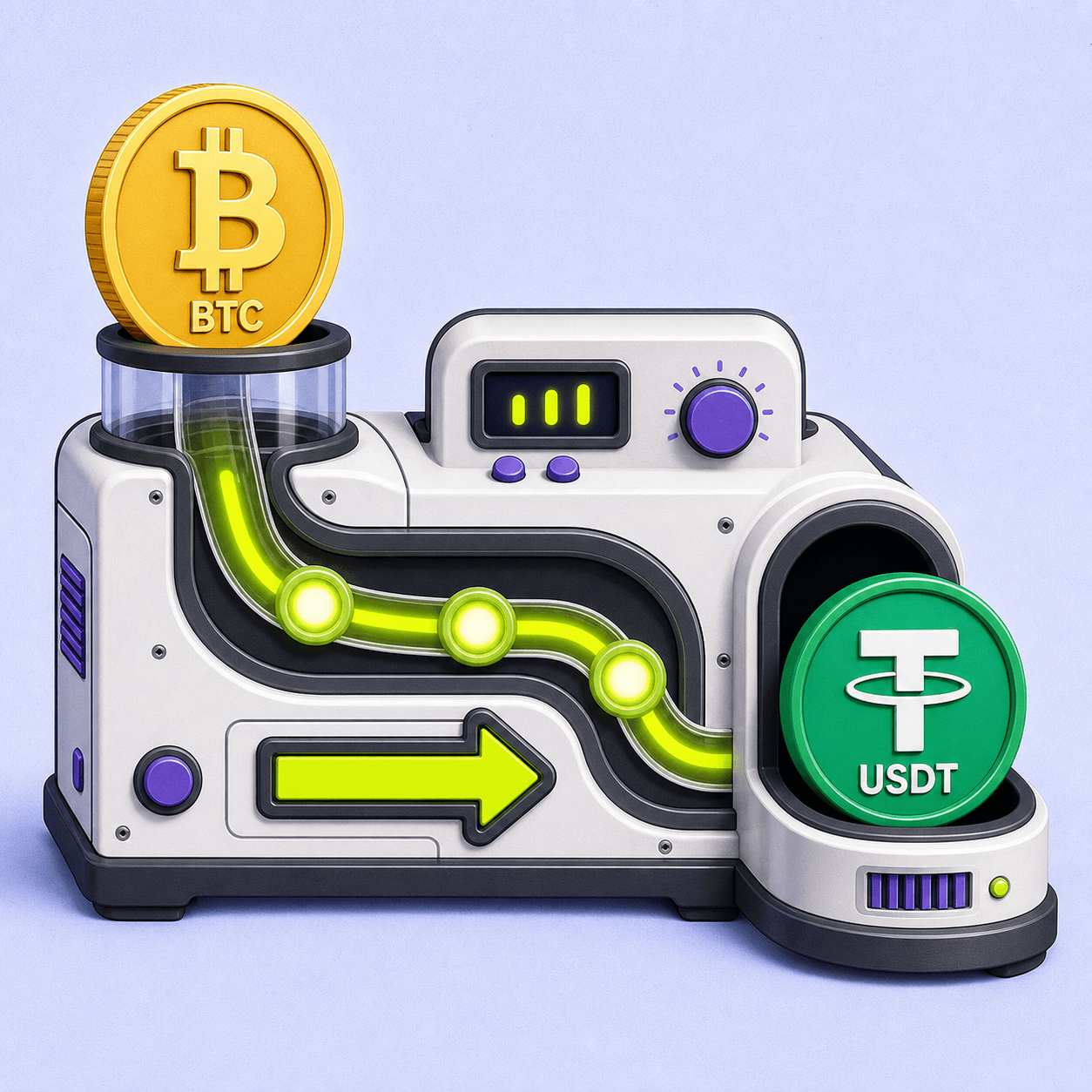
To swap BTC to USDT, first choose where the USDT will arrive and which network that wallet supports. Then open the BTC to USDT exchange page, review the estimated payout, enter the receiving address, and send the exact BTC deposit shown for that exchange.
The critical checks are the USDT network, receiving address, BTC deposit amount, and expected USDT payout.
1. Prepare the USDT receiving wallet
Open the wallet or exchange account where you want to receive USDT:
- Choose Receive.
- Select USDT.
- Select a network supported by that wallet.
- Copy the address from the current receive screen.
- Copy the memo or tag too if the receiving service displays one.
USDT exists on several blockchains. The ticker alone is not enough, so choose the USDT network before creating the exchange.
2. Enter the BTC amount and review the quote
On the BTC to USDT page:
- confirm that BTC is the sending asset;
- select the same USDT network shown by the receiving wallet;
- enter the amount of BTC you want to exchange;
- review the estimated USDT amount to receive;
- check any minimum, maximum, or time condition.
A public BTC/USDT market price is only a reference. The current exchange quote is calculated for the exact amount, route, and receiving network. Read why crypto swap rates change if the payout differs from a simple market-price calculation.
3. Enter and verify the USDT address
Paste the USDT receiving address from step 1. Check the first and last characters after pasting and confirm that the network label still matches.
Some EVM-compatible networks use the same 0x address format. That does not prove that the receiving platform supports every EVM network. Use the network selected on its deposit screen, not the address shape alone.
4. Send the exact BTC deposit
After the exchange is created, LightSwap shows a Bitcoin deposit address and the amount to send.
- Copy the fresh BTC deposit address from the current exchange.
- Send the exact requested BTC amount from your wallet.
- Keep enough BTC in the sending wallet for its separate Bitcoin sending cost.
- Do not send another asset or reuse details from an old exchange.
- Save the exchange ID and BTC TXID.
Your wallet creates the TXID after broadcasting the deposit. You can check it on mempool.space to see whether the Bitcoin network has confirmed it.
5. Track the deposit and USDT payout
The exchange status should move from waiting for the deposit to processing and then payout. Bitcoin confirmation time varies; the Bitcoin payment documentation explains why services wait for confirmations.
When a payout TXID appears, track it on the explorer for the selected USDT network. The transaction tracking article lists the correct explorers.
Do not close the wallet or browser permanently before saving the exchange link or ID.
Checklist before sending BTC
- The receiving wallet supports the selected USDT network.
- The pasted address belongs to USDT on that network.
- The expected USDT payout is acceptable.
- The BTC deposit amount and address come from the current exchange.
- The sending wallet has enough BTC for the deposit and its sending cost.
- You saved the exchange ID.
If something goes wrong
- No BTC TXID: check the sending wallet; it may not have broadcast the transfer.
- BTC TXID is unconfirmed: monitor it on mempool.space and do not send again.
- Deposit is confirmed but status does not move: contact support with the exchange ID and TXID.
- Wrong USDT network or address: contact the service that controls the receiving address immediately. Recovery is not guaranteed.
- Wrong BTC amount: do not add another deposit unless support tells you what to do.
The standard LightSwap flow starts with No KYC and no LightSwap account required. A specific transfer can still require additional review; the no-account and review article explains the difference.
FAQ
Can I receive USDT on any network?
Only use a network supported by both the current route and the receiving wallet or platform.
Is the Bitcoin sending cost included in the USDT payout?
The sending wallet normally charges its own Bitcoin network cost separately. Review the expected USDT payout and the wallet’s BTC total before confirming.
Can I send BTC from an exchange account?
Yes, if that exchange allows withdrawal to the provided Bitcoin address and you can send the exact requested amount. Check whether the platform subtracts its withdrawal cost from the amount.
Related articles
Which network to choose for USDT
How to choose a USDT network by checking wallet support first, then the route, timing, and cost of moving funds later.
Why crypto swap rates change
Why the amount you receive can differ from an earlier estimate, what a swap quote includes, and what to check before sending crypto.
Ready to make a swap?
Choose the pair, check the route, and continue from your wallet when you are ready.
Try itChoose assets
You send
$649.73
You receive
Rate: -
Estimated time: 1 minutes