
Which network to choose for USDT
How to choose a USDT network by checking wallet support first, then the route, timing, and cost of moving funds later.
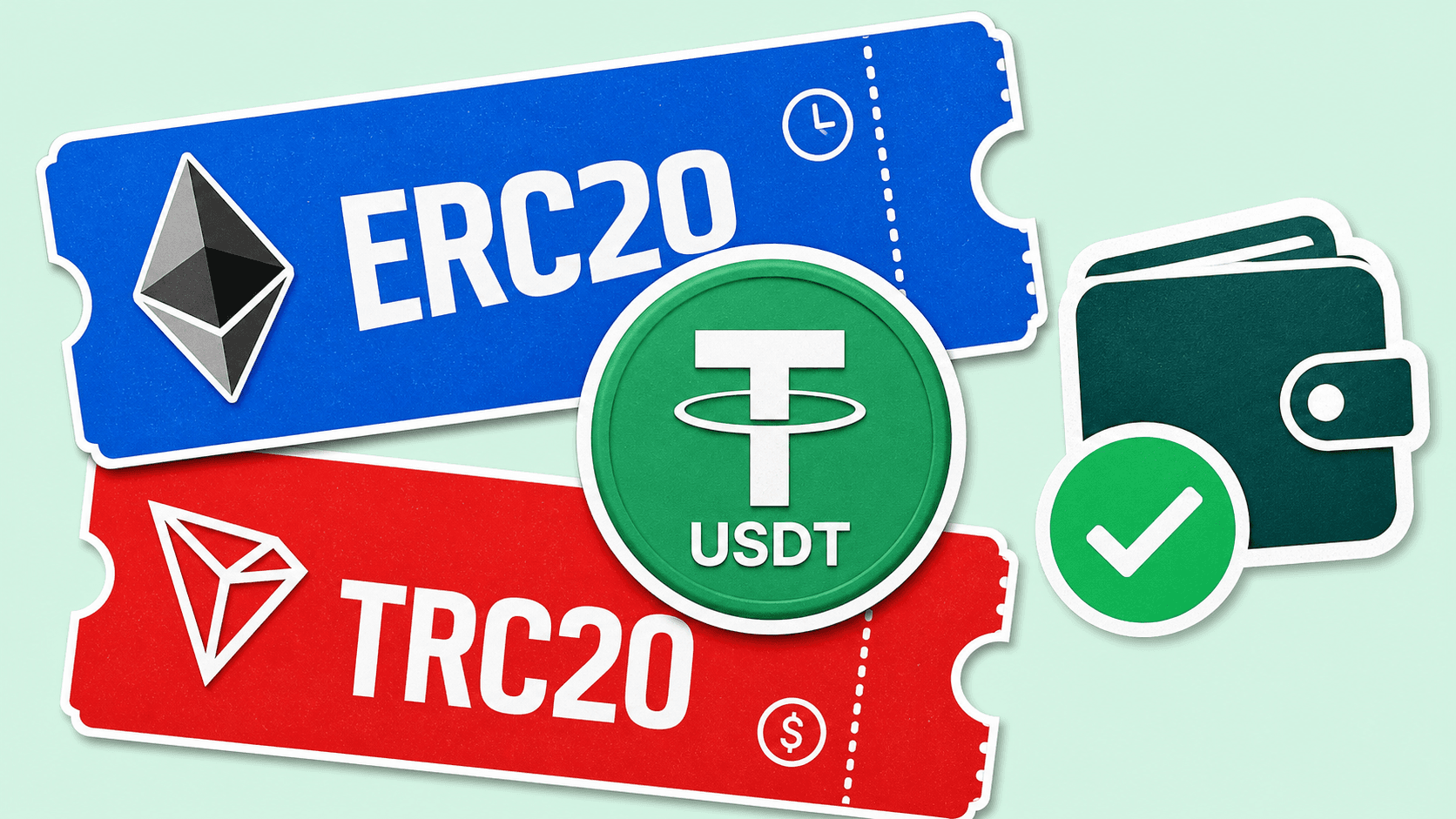
The correct USDT network is the one shown on the Receive USDT screen of the destination wallet or platform. If it offers several networks, choose one that is also available in the current exchange route, then compare the expected payout, timing, and cost of sending the USDT later.
There is no network that is universally best. A faster or cheaper option is useless if the receiving service does not support it.
Choose in this order
- Open the wallet or platform where USDT should arrive.
- Select Receive, Deposit, or the equivalent action.
- Choose USDT and record the exact network name.
- Check whether a memo, tag, or comment is also required.
- Select the same network in LightSwap.
- If several networks match, compare the expected USDT payout and route time.
For a concrete example, follow the BTC to USDT walkthrough.
Common USDT network labels
Tether’s supported-protocols page is the reference for networks on which the issuer supports USDT. Wallets and exchanges may support only part of that list.
| Label you may see | Network | Choose it when |
|---|---|---|
| ERC20 | Ethereum | The receiving screen says Ethereum or ERC20. |
| TRC20 | Tron | The receiving screen says Tron or TRC20. |
| SPL | Solana | The receiving screen says Solana and accepts the official USDT token. |
| Jetton | TON | The receiving screen says TON and shows any required comment or memo. |
| Fungible Asset | Aptos | The receiving screen explicitly supports USDT on Aptos. |
| ERC20 on Avalanche | Avalanche | The receiving screen explicitly says Avalanche, not Ethereum. |
The same USDT ticker can also appear on bridged or platform-issued versions. Do not rely on the ticker alone. Check the network and, when a wallet displays it, the token contract or asset identifier against the issuer’s official list.
How the networks differ for a regular transfer
- Wallet and exchange support: this is the first filter. Both ends must support the same network.
- Expected payout: different routes can produce different amounts. Review the actual USDT amount shown before sending.
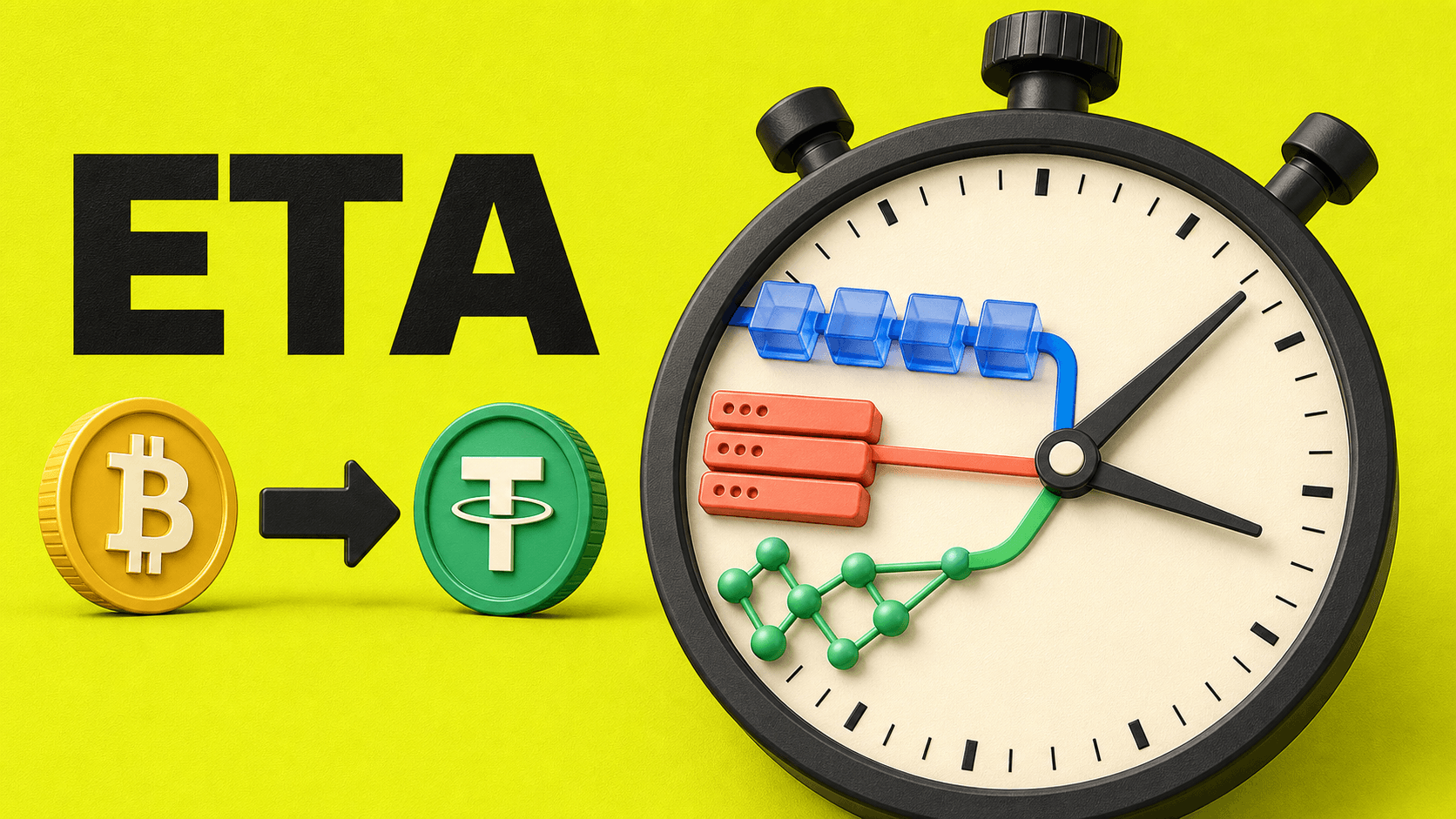
- Confirmation time: network load and route processing affect when the payout appears. No network has a guaranteed completion time.
- Cost of moving the USDT later: receiving USDT usually does not require the network’s native asset, but sending it later often does. For example, a wallet may need ETH for Ethereum, TRX for Tron, SOL for Solana, TON for TON, or APT for Aptos.
- Memo or comment requirements: some custodial platforms use one shared address and identify users with an additional memo, tag, or comment.
Tron or Ethereum?
Choose Tron only when the destination supports USDT TRC20. Choose Ethereum only when it supports USDT ERC20. If both are available, compare the current payout and consider where you will use the USDT next.
Ethereum can be convenient when your other assets and applications are already on Ethereum. Tron can be convenient when both services support TRC20 and you expect to keep using Tron. Neither is safer simply because it is cheaper or more familiar.
Before confirming the exchange
- The destination screen shows the same network as LightSwap.
- The receiving address was copied after selecting that network.
- Any required memo, tag, or comment is included.
- The expected payout is acceptable.
- You know which native asset will be needed if you plan to send the USDT again.
- You are not relying on an old saved address or a similar-looking network name.
If the labels do not match exactly, stop and check the wrong-network prevention article.
FAQ
What is the safest USDT network?
The one explicitly supported by the receiving wallet or platform and available in the current route. Correct compatibility matters more than speed or cost.
Can I send USDT ERC20 to a TRC20 address?
No. Ethereum and Tron are different networks. Use the network selected on the receiving screen.
Do I need ETH or TRX to receive USDT?
Usually not just to receive it. You will normally need the network’s native asset when you later send the USDT from a self-controlled wallet.
Why is a network missing from LightSwap?
Available routes can change by asset, amount, and current route support. Choose only from the networks shown for the current exchange.
Related articles
Ready to make a swap?
Choose the pair, check the route, and continue from your wallet when you are ready.
Try itChoose assets
You send
$649.73
You receive
Rate: -
Estimated time: 1 minutes