
How to avoid sending crypto to the wrong network
A practical process for matching asset, network, address, and memo, plus what to do after a wrong-network transfer.
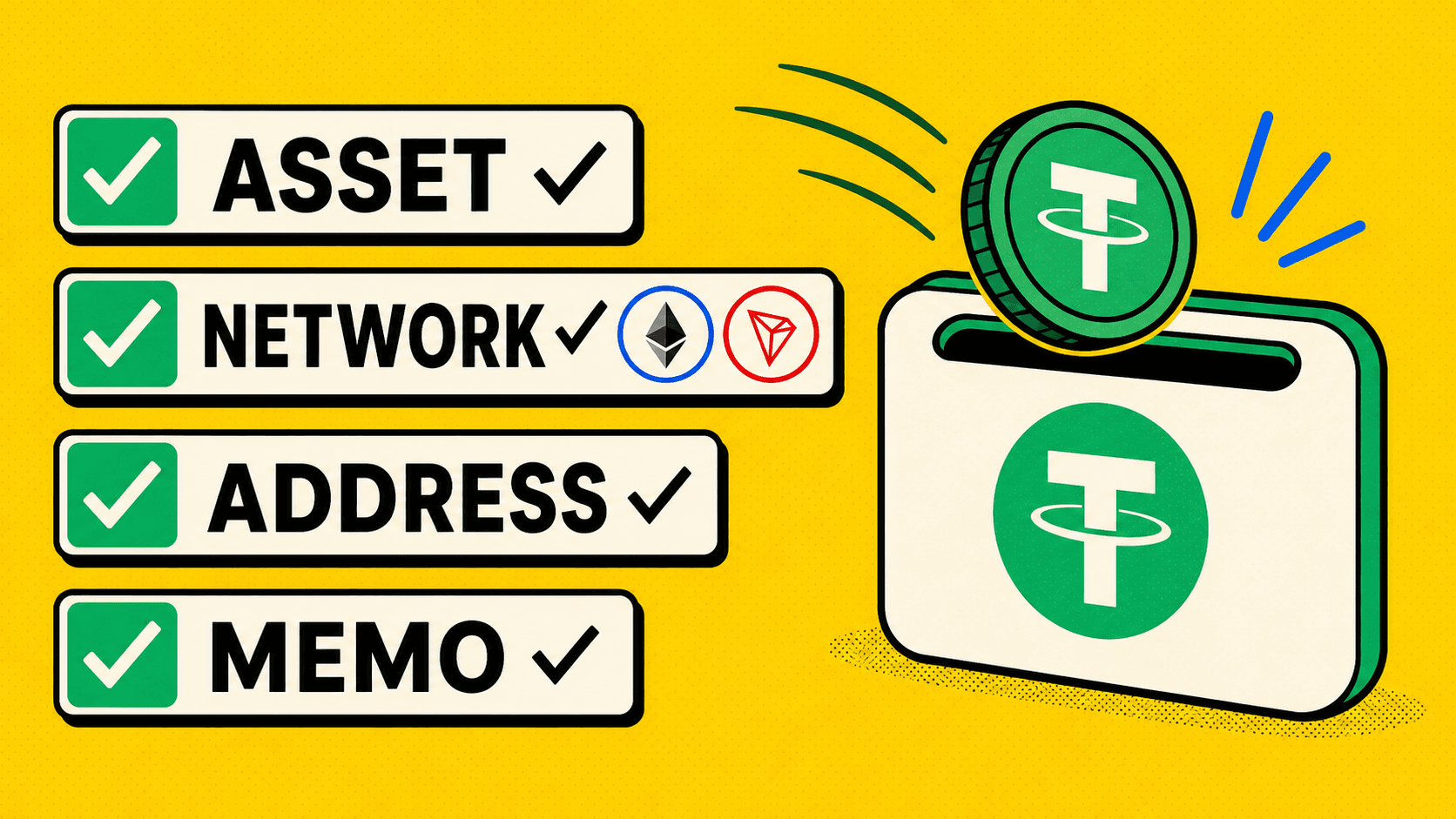
To avoid a wrong-network transfer, start from the Receive screen of the destination wallet. Copy the asset, network, address, and any memo or tag from that screen, then match all four in the sending service.
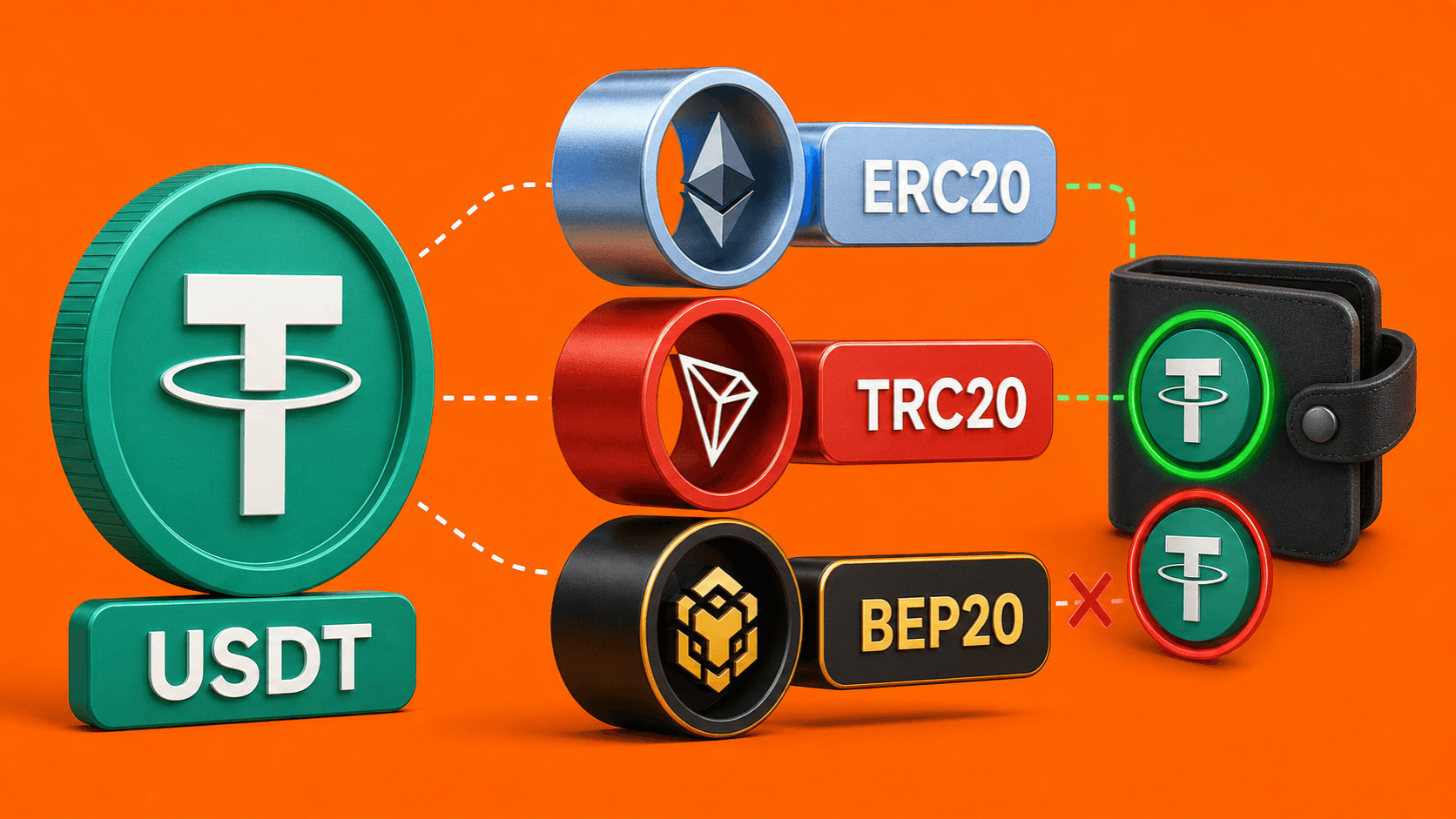
The same ticker can exist on several blockchains. Matching USDT to USDT is not enough; USDT on Tron must be sent through Tron, while USDT on Ethereum must be sent through Ethereum.
The 60-second check before sending
- Open the receiving wallet or platform.
- Select Receive or Deposit.
- Choose the exact asset.
- Choose the network and keep that screen open.
- Copy the current address and any memo, tag, or comment.
- Select the same asset and network in LightSwap or the sending wallet.
- Paste the address and compare more than just the first and last few characters.
- For a high-value transfer, use a small test amount when the service and route allow it.
The wallet address article explains where to find the correct receiving details.
Why the address can be misleading
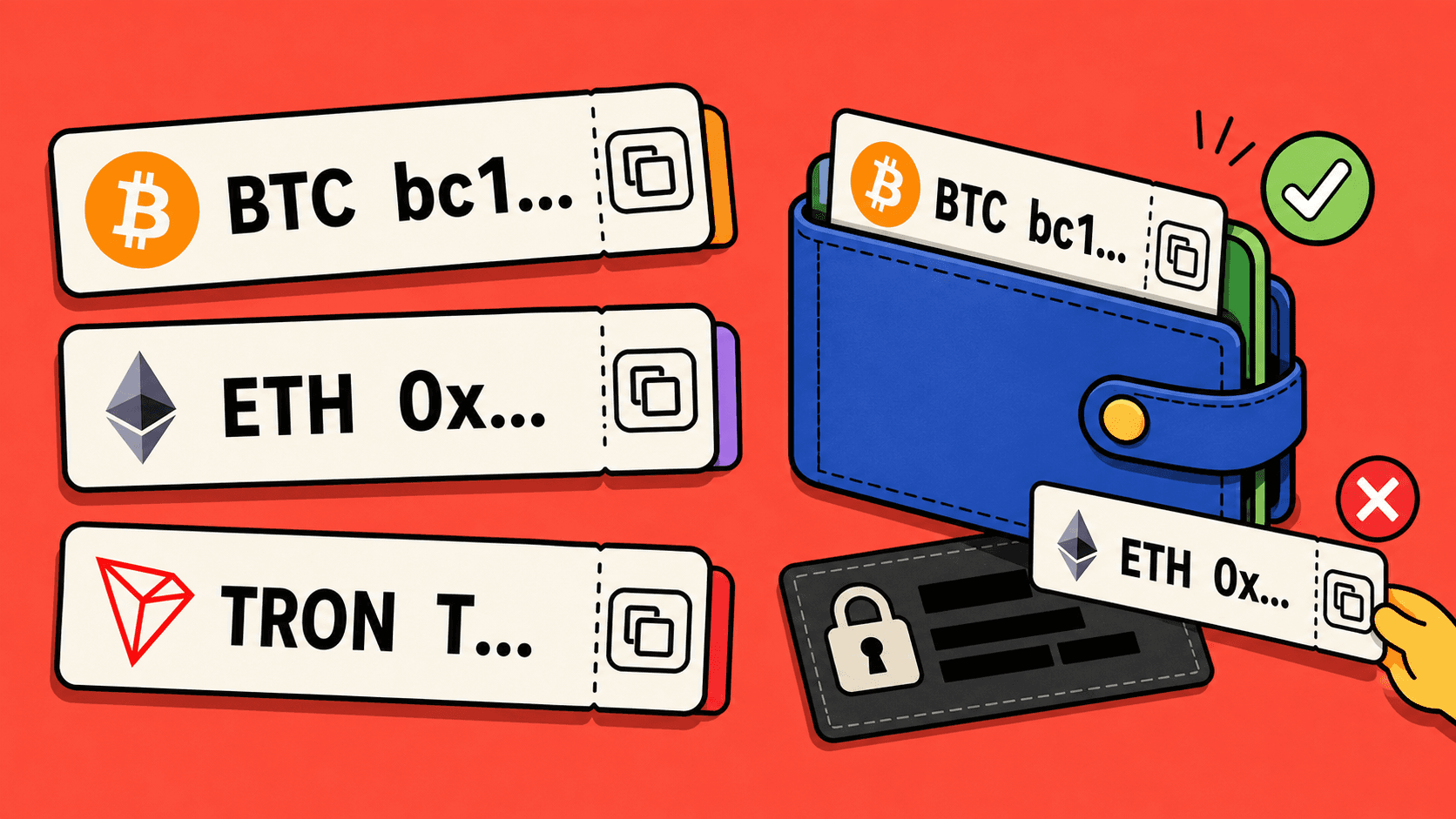
Some networks use visibly different address formats: Bitcoin commonly uses addresses beginning with bc1, 1, or 3, Tron addresses commonly begin with T, and Ethereum addresses begin with 0x.
However, many EVM-compatible networks can use the same 0x address for the same self-controlled wallet. This does not mean an exchange or custodial platform supports deposits on every EVM network. The network selected on the receiving screen is authoritative.
For tokens such as USDT, check the issuer-supported network or token identifier when the wallet displays it. Tether publishes its supported protocols and token addresses.
Memo and tag are part of the destination
Some exchanges use one deposit address for many customers and identify each deposit with a memo, destination tag, or comment. XRP deposits are a common example.
If the receive screen shows an extra identifier, copy it into the separate field. A correct address with a missing memo may reach the platform but not your account automatically.
Do not copy an address from transaction history
Attackers can place a similar-looking address in wallet history through address-poisoning transactions. Clipboard malware can also replace an address after copying.
Use the current receive screen, an address book entry you previously verified, or a QR code from the recipient. Check the address again after pasting and before confirming on a hardware wallet.
What to do if you already used the wrong network
- Save the TXID, asset, network, amount, and destination address.
- Check the transaction on the correct explorer. If it is still pending, use only the options offered by the sending wallet.
- Identify who controls the destination address. Recovery depends on the recipient, not on the ticker.
- Do not send more funds and do not pay an unsolicited “recovery agent.”
The next step depends on the destination:
- Your self-controlled EVM wallet: if you control the same keys on the network used, the tokens may be visible after switching networks and importing the correct token. Follow the wallet provider’s official instructions. MetaMask explains the main recovery cases.
- An exchange or custodial wallet: contact that platform with the TXID. Only it can decide whether the unsupported deposit can be recovered. Coinbase’s troubleshooting article illustrates why network support matters.
- An address controlled by another person: ask the owner. A confirmed blockchain transfer cannot be reversed by LightSwap.
- An unrelated non-EVM address or contract: recovery may be impossible.
Never share a seed phrase or private key with support. Anyone who has it can control the wallet.
If the transfer was part of LightSwap
If you sent a deposit to LightSwap using the wrong asset or network, contact LightSwap support with the exchange ID and TXID. If LightSwap sent the payout to the address and network you selected, the service controlling that receiving address is usually the party that can assess recovery.
Final checklist
- Asset matches.
- Network matches exactly.
- Address came from the current receive screen.
- Memo, tag, or comment is included.
- Address still matches after pasting.
- Receiving service confirms support for the selected network.
- Exchange ID and TXID are saved.
FAQ
Can the same 0x address receive funds on different networks?
It may for a self-controlled EVM wallet, but a custodial platform can support only selected networks. Always use the network shown on its deposit screen.
Can LightSwap reverse a confirmed wrong-network transfer?
No blockchain service can simply reverse a confirmed transfer. Recovery depends on who controls the destination address and whether that service supports the network.
Should I use a test transfer?
For a significant amount, a small test can reduce address and network risk if the receiving service and route permit multiple transfers. A fixed-amount exchange deposit should be sent exactly as instructed instead.
Related articles
Ready to make a swap?
Choose the pair, check the route, and continue from your wallet when you are ready.
Try itChoose assets
You send
$649.73
You receive
Rate: -
Estimated time: 1 minutes