
No account and No KYC: when a review can still happen
What No KYC and no LightSwap account mean for a standard swap, why a transfer may still need review, and what to do next.
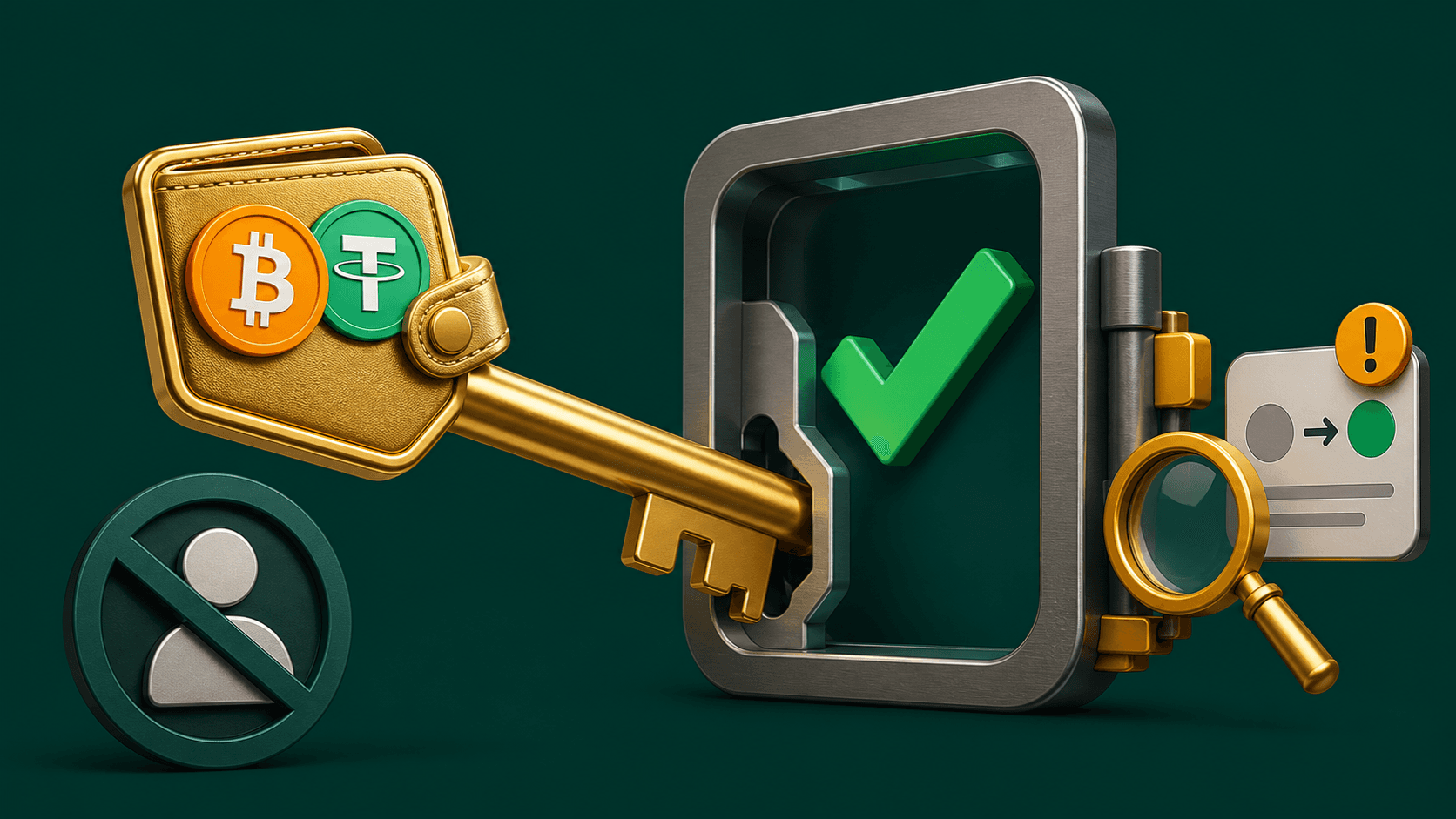
The standard LightSwap swap flow starts with No KYC and no LightSwap account required. You can choose a route, enter the receiving wallet, and send the deposit from your own wallet without first creating an exchange profile.
This describes how a normal exchange starts. It is not a promise that every individual transfer will avoid compliance, risk, or operational review. A specific swap can still need more information before processing or payout.
What “no account required” means
For a standard public swap:
- you can review a route without signing in;
- you enter a receiving wallet instead of funding an exchange balance;
- you send the deposit from your wallet after checking the details;
- you track the exchange using its status page and exchange ID.
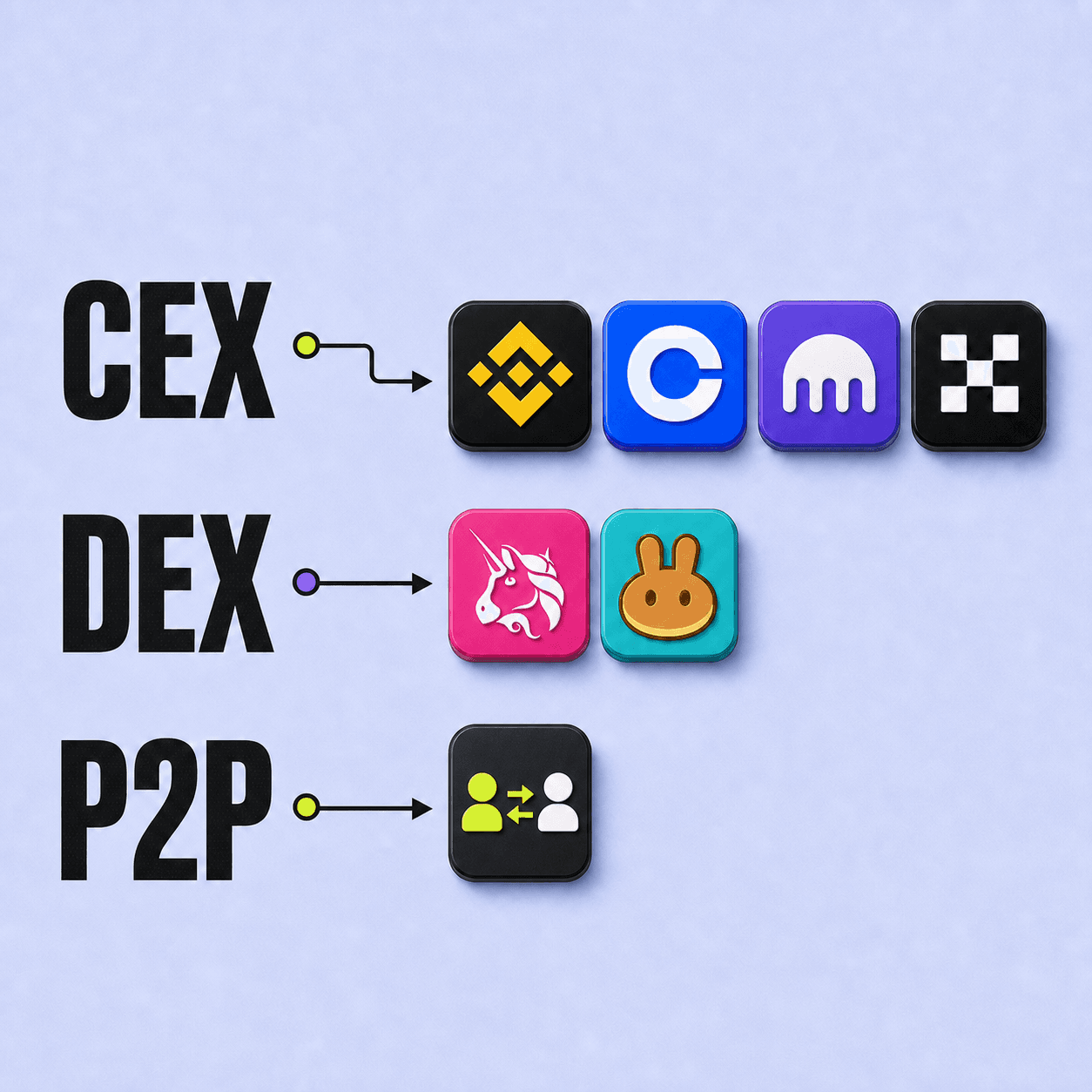
LightSwap also has optional account features, but they are separate from starting the standard public swap flow. This model is explained further in the article about types of crypto exchanges.
What “No KYC” means here
No KYC means the standard start does not require an identity-verification form before you can create a normal route. It does not mean that a transfer is anonymous, invisible on the blockchain, or exempt from applicable rules.
Blockchain transactions are public on many networks. A route or compliance system may also review transaction information. The FATF guidance for virtual assets explains why services apply risk-based controls.
When extra review can still happen
Review may be triggered when:
- the deposit asset, network, amount, address, or memo does not match the exchange instruction;
- the deposit arrives after a quote or route condition expires;
- blockchain or route screening flags the transaction for attention;
- the route, jurisdiction, or applicable requirement needs additional information;
- a technical issue prevents the deposit from being matched automatically.
A review does not automatically mean the funds are lost or the exchange failed. It means the route needs a manual decision or more information before continuing.
What to do when the status says review
- Do not send another deposit.
- Save the exchange ID and deposit TXID.
- Check that the asset, network, amount, destination, and memo match the exchange.
- Use the official LightSwap support page.
- Follow the case-specific request shown by support.
Useful details include the exchange ID, TXID, sending asset and network, amount, destination asset and network, and the status message. Screenshots can help if they do not expose secrets.
Support should never need your seed phrase, private key, or wallet password. Do not share them with anyone claiming they can release or recover a transfer.
Privacy and responsibility
Starting without an account reduces the personal information required for the normal route, but the blockchain still records transaction addresses and amounts. LightSwap’s Privacy Policy explains how service data is handled, and the Terms of Service explain route conditions and user responsibilities.
Before sending, check the expected payout, address, network, and amount. Many avoidable reviews begin with a deposit that differs from the displayed instruction.
FAQ
Do I need a LightSwap account for a standard swap?
No. The standard public flow can start without a LightSwap account. Optional account features are a separate product surface.
Does No KYC guarantee that no questions will be asked?
No. No KYC describes the standard starting flow. A specific transfer may still require review or information when route, risk, jurisdiction, or legal conditions require it.
What happens to a deposit during review?
The exchange status remains pending while the case is checked. The outcome depends on the route and the reason for review. Use the official support case for instructions rather than sending more funds.
How can I reduce the chance of review caused by an input mistake?
Send the exact asset and amount on the selected network, include any required memo or tag, and use only the deposit details from the current exchange.
Related articles
Ready to make a swap?
Choose the pair, check the route, and continue from your wallet when you are ready.
Try itChoose assets
You send
$649.73
You receive
Rate: -
Estimated time: 1 minutes