
What is a crypto wallet address?
A simple guide to crypto wallet addresses, how to find one, and what to check before using it in a swap.
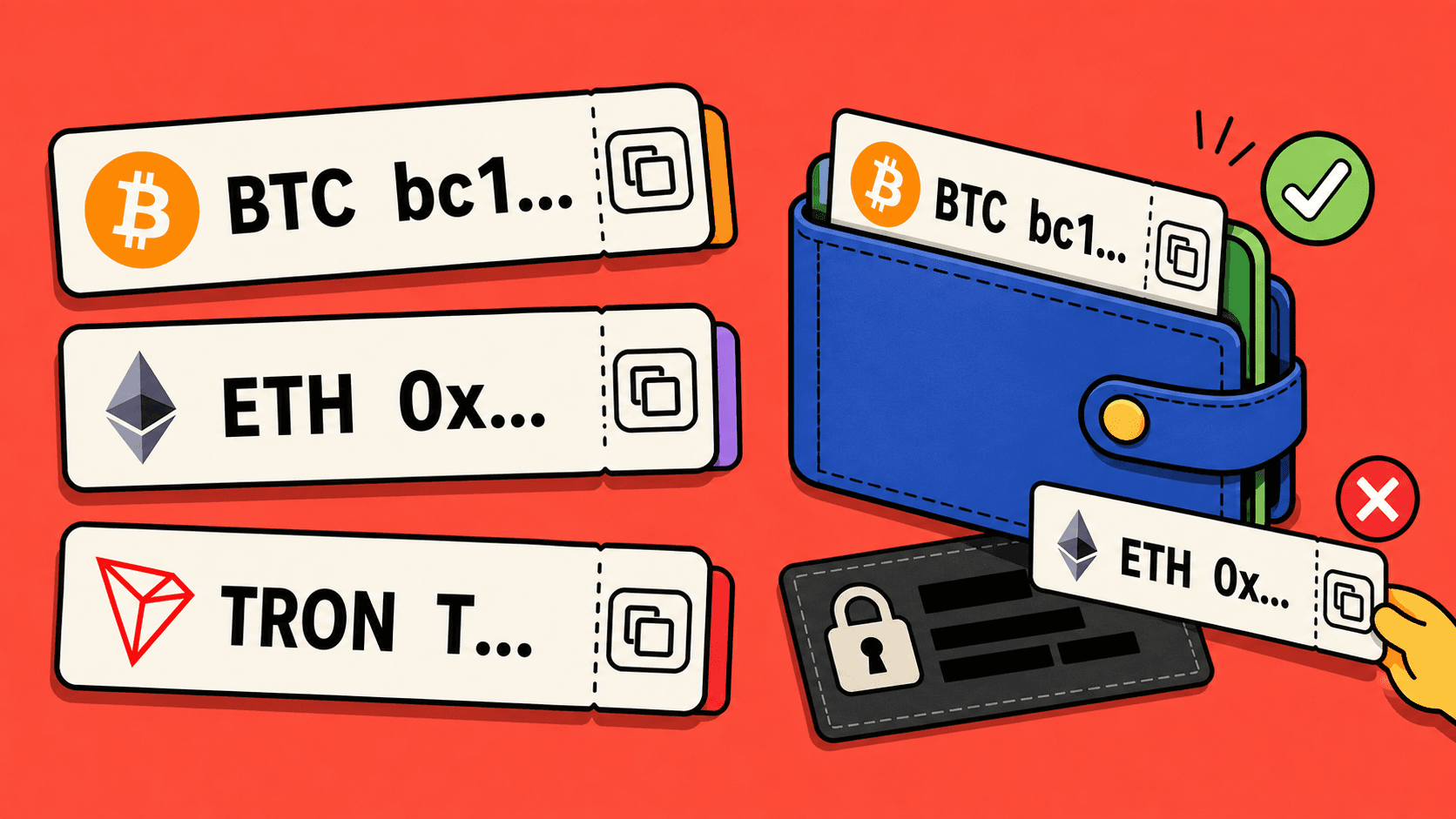
A crypto wallet address is the place where crypto can be sent. It works a little like an account number, but it belongs to a specific cryptocurrency and network, not to a bank.
You usually copy a wallet address from the Receive screen inside your wallet or exchange account. Then you paste it into the service that will send funds to you.
Why wallet addresses look confusing
Most wallet addresses are long strings of letters and numbers. Some start with familiar characters, such as a Bitcoin address that starts with bc1, or a Tron address that starts with T. Others may look similar across different assets and networks.
That is why it is better not to type an address by hand. Copy it from the wallet and paste it carefully.
One wallet can have many addresses
A wallet app can support many assets and networks. That does not mean one address works for everything.
For example, your wallet may show:
- a Bitcoin address for BTC;
- an Ethereum address for ETH and ERC20 tokens;
- a Tron address for TRC20 tokens;
- a different address for another blockchain.
Before a swap, you need the address for the exact asset and network you want to receive.
How to find the right address
Open the wallet where you want to receive funds and follow the receiving flow:
- Choose Receive.
- Select the exact asset, such as USDT, BTC, or ETH.
- Select the network if the wallet asks for one.
- Copy the address shown on that screen.
- Check whether the wallet also asks for a memo, tag, or note.
If you are receiving USDT, the network step is especially important. USDT on Tron and USDT on Ethereum are not the same receiving route.
What to check before pasting it into a swap
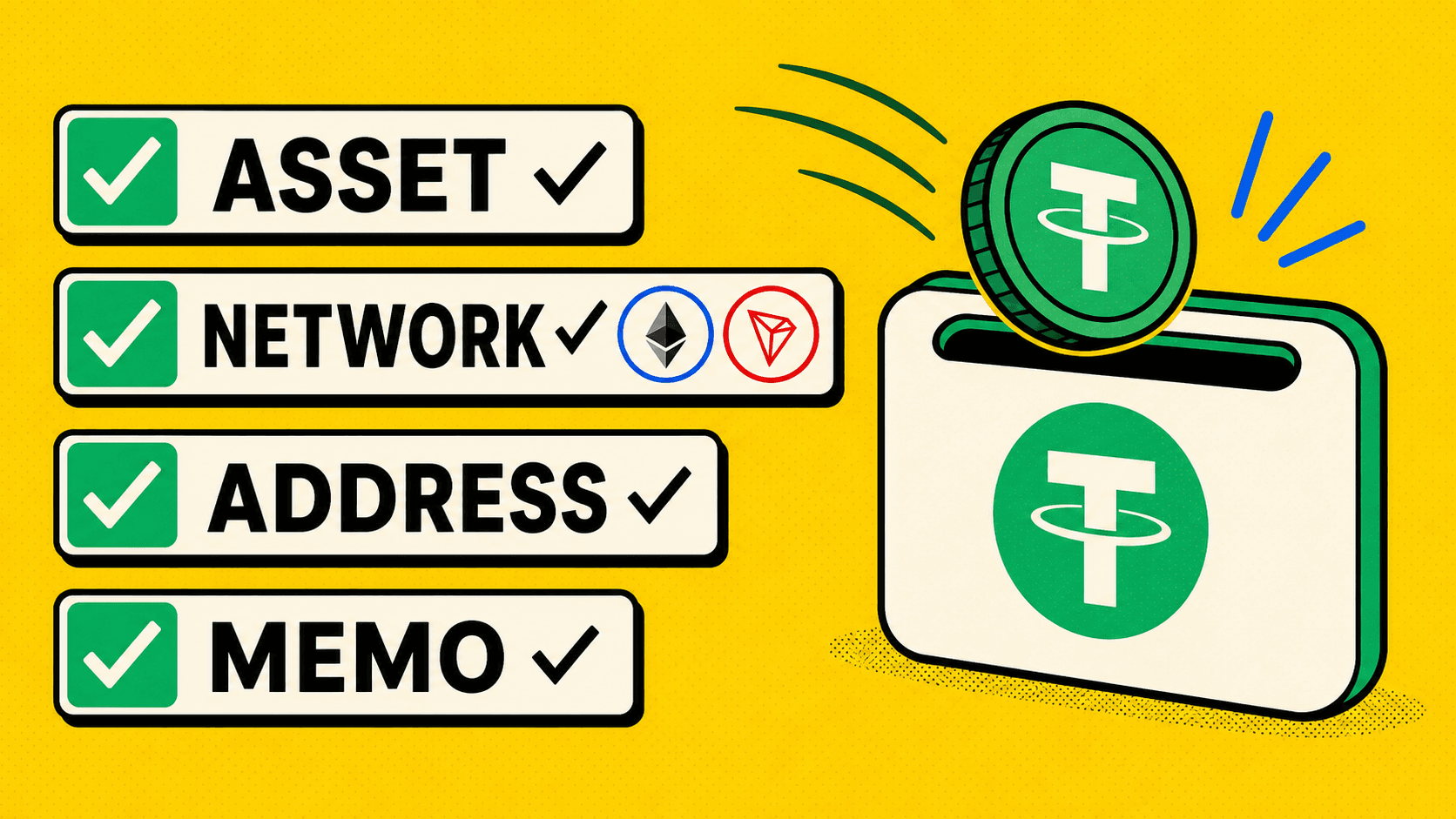
Before you use the address in LightSwap or any other service, check:
- The asset is correct.
- The network is correct.
- The address was copied from the current receive screen.
- The first and last characters still match after pasting.
- Any required memo or tag is included.
If something looks different after pasting, copy it again.
What a wallet address does not do
A wallet address does not prove that the receiving service can accept every network. It only tells you where funds can be sent on a specific blockchain.
It also does not let you cancel a transfer after you send it. Crypto transfers are built to move directly once confirmed, so checking the address before sending is the important part.
Using a wallet address with LightSwap
When LightSwap asks for the receiving wallet, paste the address that matches the asset and network you want to receive. If the route is BTC to USDT on Tron, the receiving wallet should support USDT on Tron. If it is USDT on Ethereum, the wallet should support USDT on Ethereum.
Do not use an address just because it worked for a different coin or a previous route. Open the wallet and copy the address again for the current route.
Quick checklist
- Copy, do not type.
- Match the asset.
- Match the network before sending.
- Include memo or tag if required.
- Check the first and last characters.
- Save the transaction hash after sending.
The most important habit is to start from the receiving wallet, then use those exact details in the swap.
Related articles

Ready to make a swap?
Choose the pair, check the route, and continue from your wallet when you are ready.
Choose assets
You send
$646.98
You receive
Rate: -
Estimated time: 1 minutes