
How to track a crypto transaction
A practical guide to transaction hashes, blockchain explorers, and what to check when a crypto transfer is pending.

You can usually track a crypto transfer with its transaction hash, also called a transaction ID or TXID. It is a public receipt for the transfer on the blockchain.
If a swap or payout looks delayed, check what normally determines swap timing, then use the transaction hash to see whether the transfer was sent, confirmed, or still waiting.
What is a transaction hash?
A transaction hash is a long string of letters and numbers created when a wallet or service sends crypto. It may look random, but it points to one specific transfer.
You can think of it as a tracking number. It does not give anyone control over your wallet, but it can show useful details such as:
- the sending address;
- the receiving address;
- the amount;
- the network;
- whether the transfer is still pending or confirmed.
Where to find it
You can usually find the hash in the wallet or service that sent the funds.
Look for words like:
- transaction ID;
- TXID;
- hash;
- view on explorer;
- transaction details.
If you sent funds from an exchange, the withdrawal history may show it after the exchange broadcasts the transfer. If you sent from a wallet, it is usually in the activity or history screen.
Use the right explorer
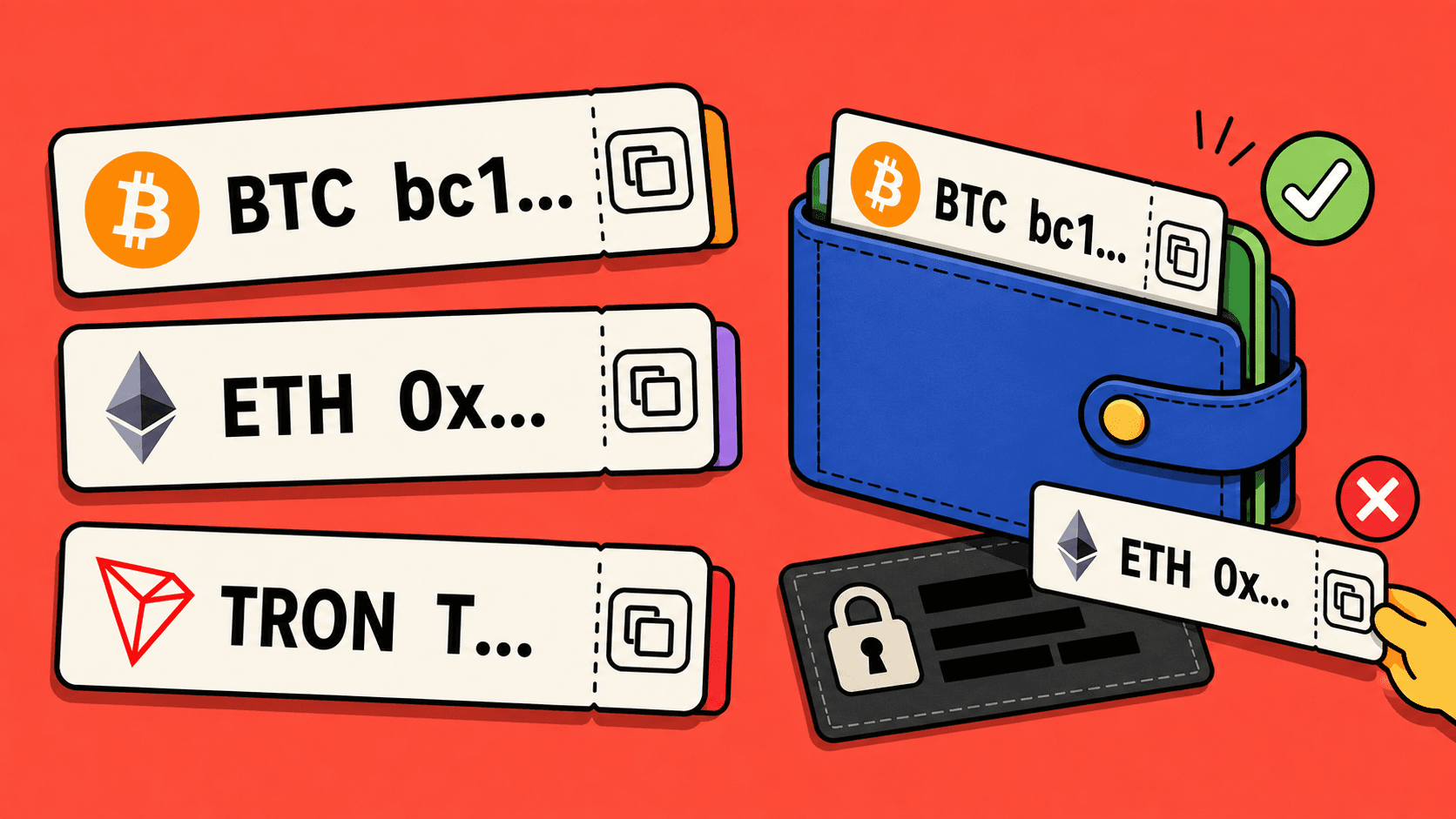
A blockchain explorer is a website that shows public transaction details for one network. You need the explorer for the network you used.
For example:
- Bitcoin transfers use a Bitcoin explorer.
- Ethereum transfers use an Ethereum explorer.
- Tron transfers use a Tron explorer.
- Binance Chain transfers use a Binance Chain explorer.
Paste the transaction hash into the explorer search field. If the explorer says it cannot find the transaction, check that you are using the right network.
What the status can mean
The wording depends on the explorer, but the idea is usually similar.
Pending or unconfirmed means the transfer has been sent but is not fully confirmed yet. It may simply need more time.
Success or confirmed means the transfer is visible and confirmed on the blockchain.
Failed means the transfer did not complete on that network. This is different from a successful transfer that has not yet appeared in the receiving wallet.
Tracking a LightSwap route
For a LightSwap route, there can be more than one useful status:
- the deposit you send to the route;
- the route processing step;
- the payout to your receiving wallet.
If you contact support, the transaction hash can help the team find the right transfer faster. Share the order details and the hash from the wallet or exchange you used to send the deposit.
If the transfer is confirmed but not visible
First, check the receiving wallet and network. A confirmed transfer can still be hard to see if you are looking at the wrong network inside the wallet.
Then check whether the receiving service needs more confirmations before showing the funds. Some platforms wait longer before crediting a deposit.
If it still does not appear, save the transaction hash and contact the receiving service or LightSwap support if the transfer was part of a LightSwap order.
Quick checklist
- Copy the transaction hash from the sender.
- Open the explorer for the same network.
- Check whether the transfer is pending, confirmed, or failed.
- Compare the receiving address with your wallet address.
- Save the hash before contacting support.
The transaction hash is the clearest proof that a crypto transfer exists. Keep it handy until the whole route is finished.
Related articles

Ready to make a swap?
Choose the pair, check the route, and continue from your wallet when you are ready.
Choose assets
You send
$646.98
You receive
Rate: -
Estimated time: 1 minutes