
What is USDT and why the network matters
A practical guide to USDT, TRC20, ERC20, and why the receiving network matters before a swap.
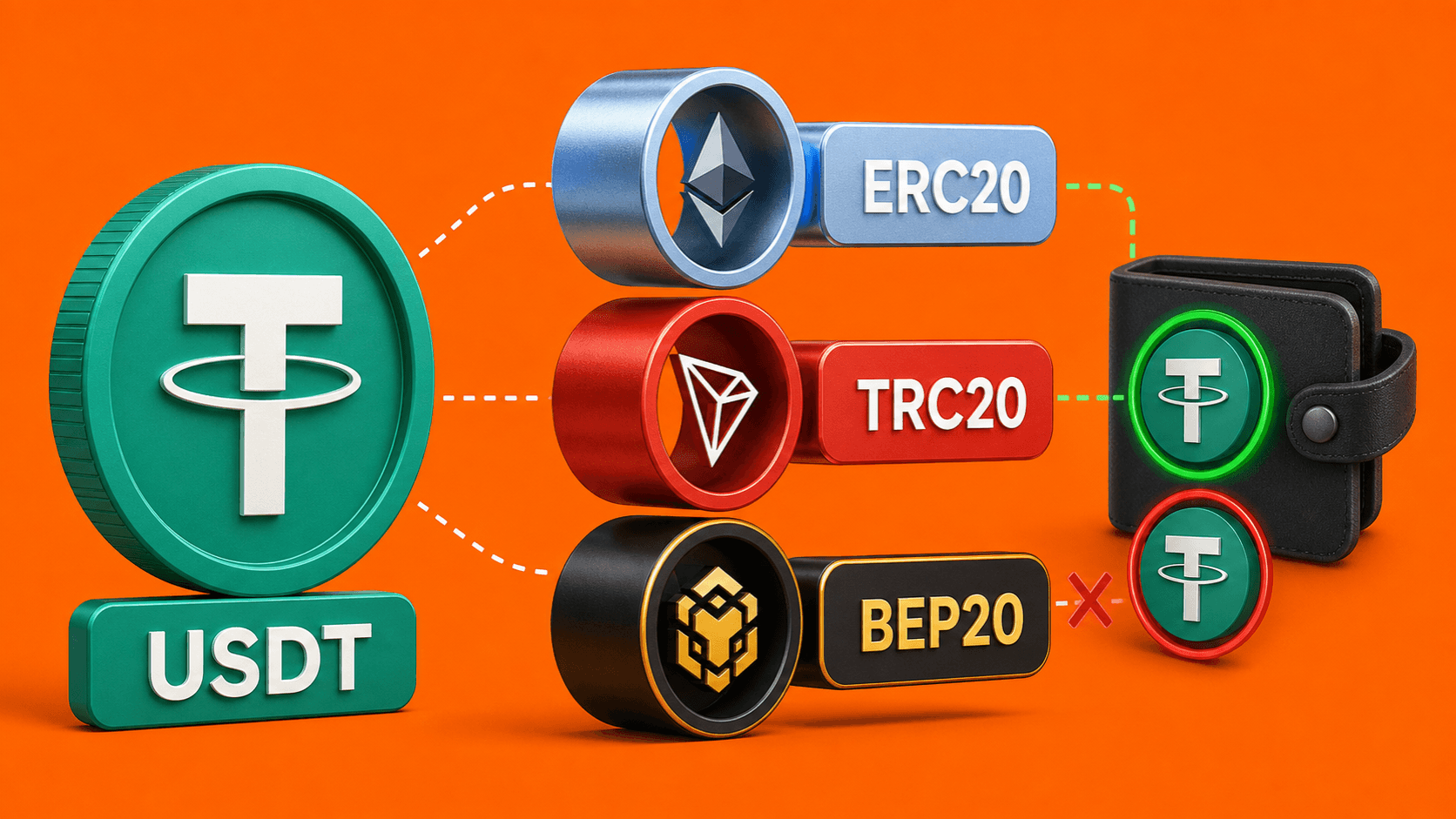
USDT is a cryptocurrency designed to follow the value of the US dollar. Many people use it when they want to hold a dollar-like balance, send value between wallets, or move out of a more volatile coin after a swap.
The confusing part is that USDT does not live on only one network. You may see USDT on Tron, Ethereum, Binance Chain, Polygon, and other blockchains. It can still be called USDT, but the route you choose must match the network your receiving wallet supports.
USDT in simple words
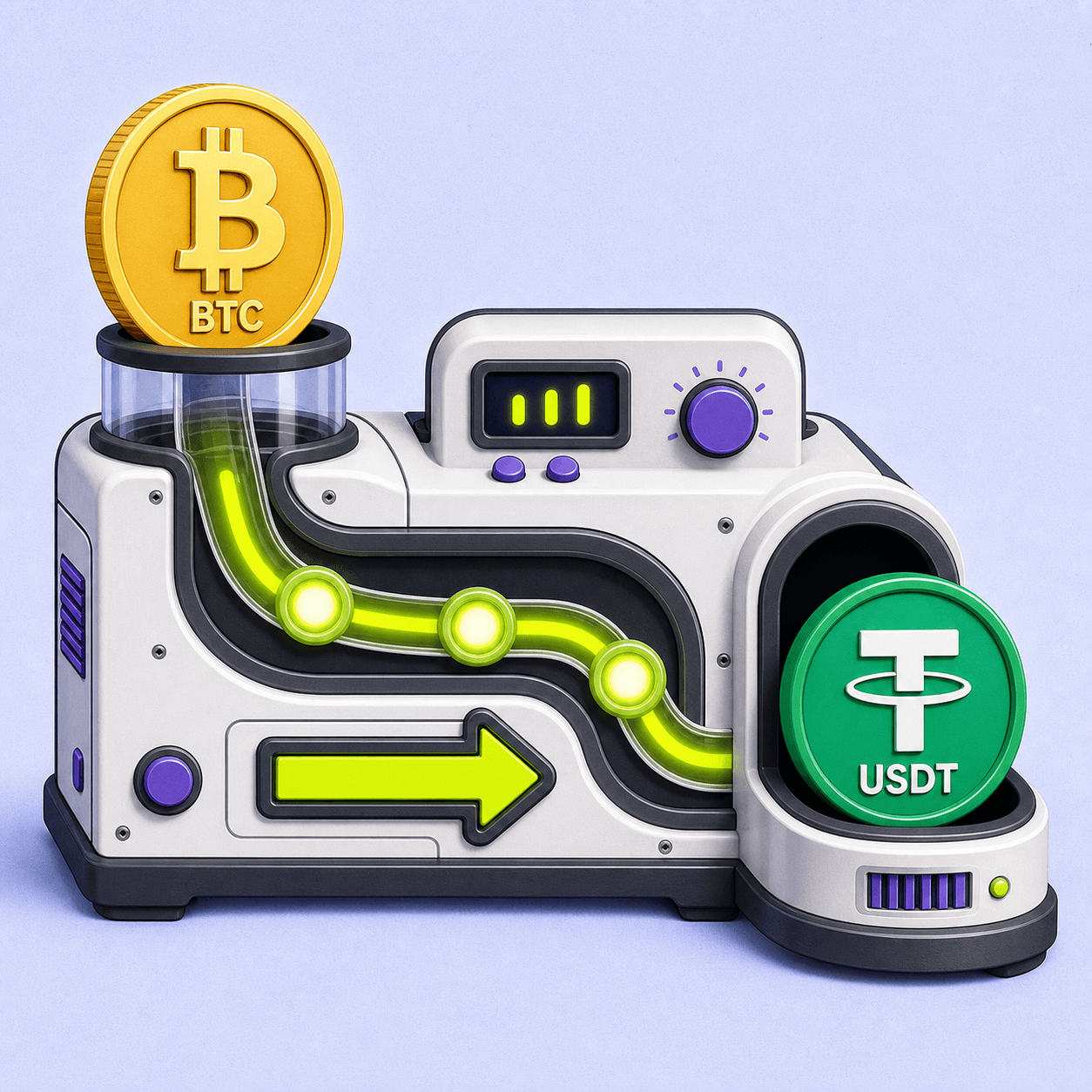
Think of USDT as a digital dollar token. If you swap BTC to USDT, you are not receiving regular dollars in a bank account. You are receiving a crypto asset that is meant to stay close to the dollar value.
That makes USDT useful for everyday crypto moves:
- You can receive a dollar-like asset instead of another volatile coin.
- You can keep funds in a format many wallets and services support.
- You can use it as the receiving side of a crypto-to-crypto swap.
It is still crypto, so the normal checks matter: wallet address, network, amount, and route details.
Why there are different USDT networks
Different blockchains can host their own version of USDT. That is why you may see labels such as:
- USDT TRC20 on Tron.
- USDT ERC20 on Ethereum.
- USDT BEP20 on Binance Chain.
- USDT on Polygon, Avalanche, Arbitrum, Solana, and other networks.
These labels are not decoration. They tell you where the token will be sent. If your wallet expects USDT on Tron, you should not choose Ethereum unless that same wallet also supports USDT on Ethereum.
The network must match the receiving wallet
Before choosing the route, open the wallet or platform where you want to receive USDT. Select Receive, choose USDT, and then check which network it asks for.
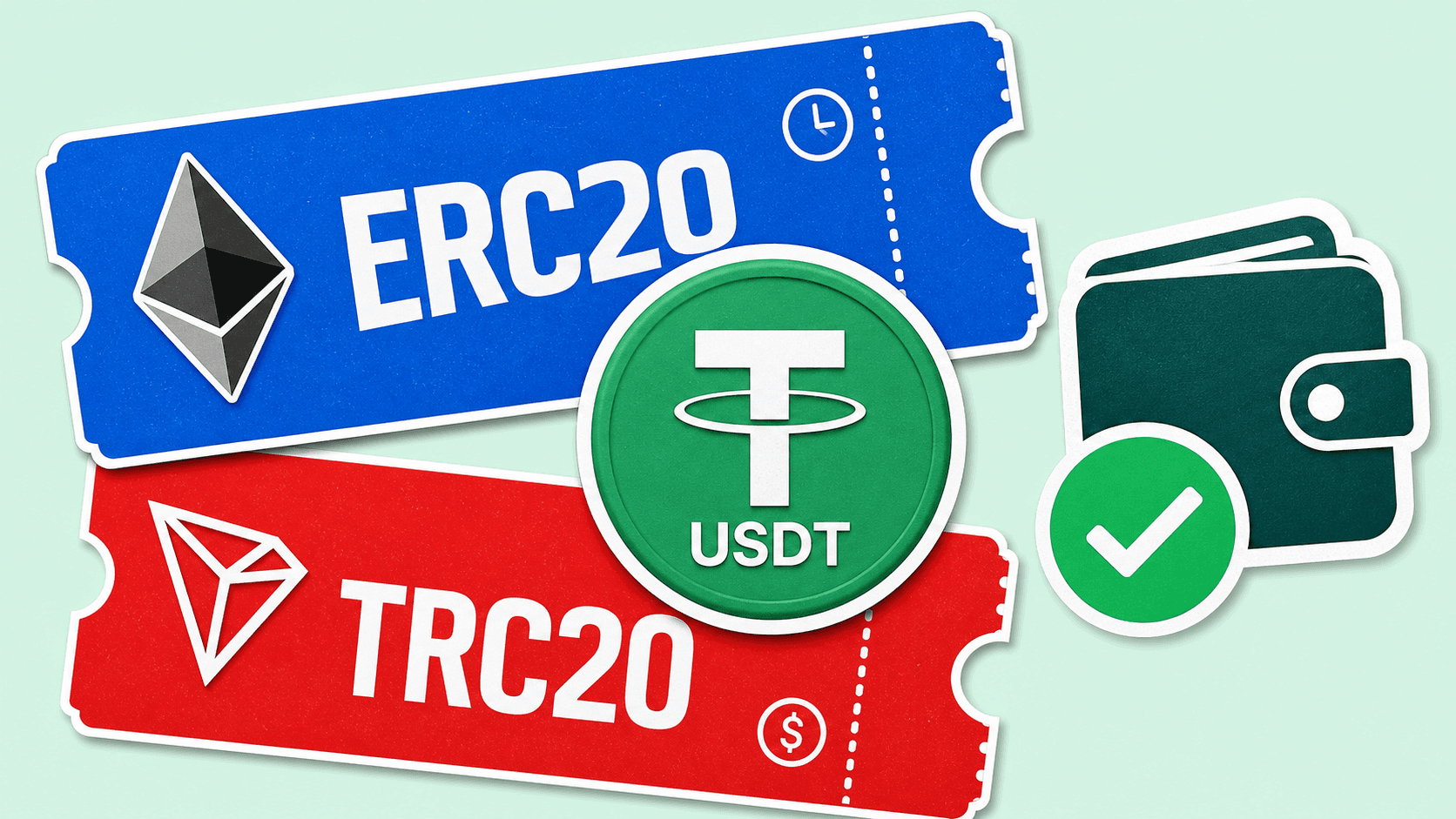
If the receiving screen says TRC20, choose a TRC20 route. If it says ERC20, choose ERC20. If the receiving wallet shows several options, compare which USDT network fits your transfer, pick one, and keep that same choice through the whole swap.
The important rule is simple: the asset and the network must match on both sides.
What can go wrong
Most wrong-network mistakes happen because the name looks the same. A user sees "USDT" in two places and assumes it is enough. It is not.
Common problems include:
- copying a USDT address from the wrong network;
- choosing a cheaper or faster network that the receiving wallet does not support;
- sending to an old address without checking the current receive screen;
- ignoring a memo, tag, or extra note when the receiving platform requires one.
Some services may be able to help recover a wrong-network deposit, but it is not guaranteed. In many cases, the safest action is to prevent the mistake before sending.
How LightSwap fits
When you choose a USDT route on LightSwap, check the receiving asset and network before you continue. The route page helps you see what you are sending and what you expect to receive, but you still need to use the network that your wallet supports.
For example, if you want to receive USDT on Tron, your receiving wallet should show a Tron/TRC20 address for USDT. If your wallet only supports USDT on Ethereum, choose the Ethereum/ERC20 route instead.
Quick checklist before receiving USDT
- Open the receiving wallet first.
- Choose USDT in that wallet.
- Confirm the network shown by the wallet.
- Copy the address from the current receive screen.
- Use the same network in the swap route.
- Check whether the wallet asks for a memo or tag.
If the network choice is unclear, pause before sending. A few extra seconds of checking can prevent a much harder support case later.
Related articles
Ready to make a swap?
Choose the pair, check the route, and continue from your wallet when you are ready.
Choose assets
You send
$646.98
You receive
Rate: -
Estimated time: 1 minutes