
Crypto swap vs bridge: what is the difference?
A simple guide to crypto swaps, bridges, and which option usually fits when you want to move between coins or networks.
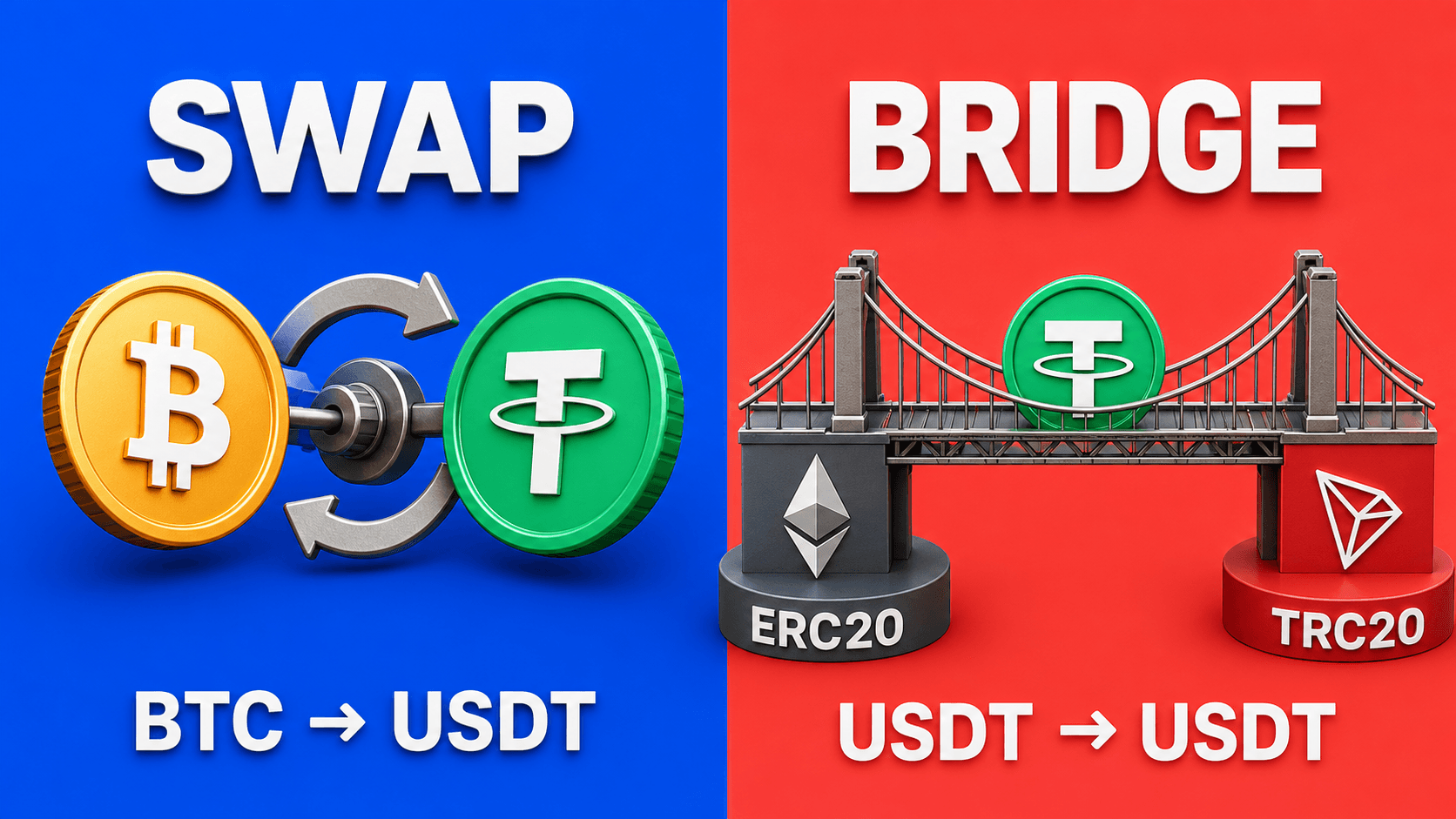
A crypto swap and a crypto bridge can both help you move value, but they solve different problems. A swap is usually about changing one asset into another. A bridge is usually about moving an asset from one network to another.
The easiest way to choose is to start with the result you want: what do you have now, and what do you want to receive?
What a crypto swap does
A crypto swap changes one asset into another. For example:
- BTC to USDT;
- ETH to BTC;
- USDT on one network to another asset;
- one token to another token.
The goal is simple: you send one thing and receive another. A swap route can sometimes also involve a different receiving network, but the main user goal is still the final asset you want to receive.
What a bridge does
A bridge is usually used when you want to move value between networks while keeping the same or similar asset.
For example, a user may want to move USDT from Ethereum to Tron, or move an asset from one blockchain to another because a wallet, app, or platform requires that network.
The goal is not always to change the asset. The goal is often to place it on the right network.
A simple way to decide
Use a swap when your sentence sounds like this:
- "I have BTC and want USDT."
- "I have ETH and want another coin."
- "I want to receive a different asset than the one I send."
Use a bridge when your sentence sounds like this:
- "I have USDT on one network and need USDT on another."
- "My wallet or platform needs the same token, but on a different network."
- "I know the exact asset and network I need."
If you are not sure, start from the receiving wallet. It tells you which asset and network it expects.
Why swaps can feel simpler
Many Web2 users do not want to manually compare tools, networks, and technical routes. They just want a clear path from what they have to what they need.
That is where a simple swap flow can be easier. You choose the sending asset, the receiving asset, the amount, and the receiving wallet. If the route is supported, the service shows the details before you send funds.
This does not remove the need to check the wallet address and network. It just keeps the process closer to a normal exchange flow.
Why bridges can feel harder
A bridge often expects you to already understand the source network, destination network, wallet connection, and exact token version. That can be useful for advanced users, but it can be too much when you simply want to finish a transfer.
Common bridge mistakes include:
- choosing the wrong destination network;
- using a wallet that does not show the received asset by default;
- moving a token to a network the receiving platform does not support;
- forgetting that timing and outside blockchain costs can differ by network.
How LightSwap fits
LightSwap is built for users who want a straightforward crypto-to-crypto route. If you want to change BTC into USDT, ETH into BTC, or one supported asset into another, a swap route is usually the clearer starting point.
If your only goal is to move the same asset between networks, check whether the route you need is supported and whether the receiving wallet accepts that exact network.
Quick checklist
- Want a different asset? Start with a swap.
- Want the same asset on another network? You may need a bridge or a supported cross-network route.
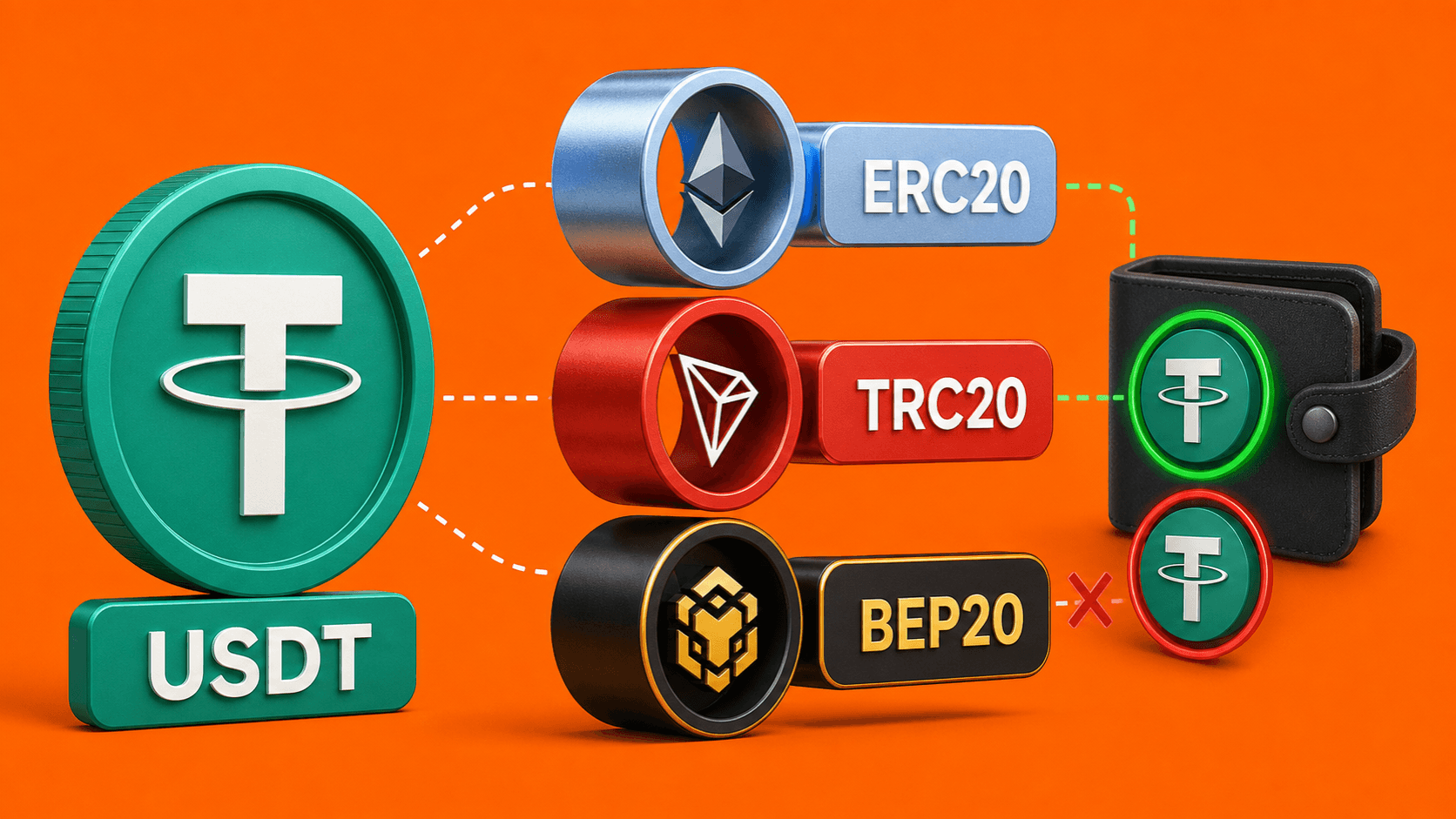
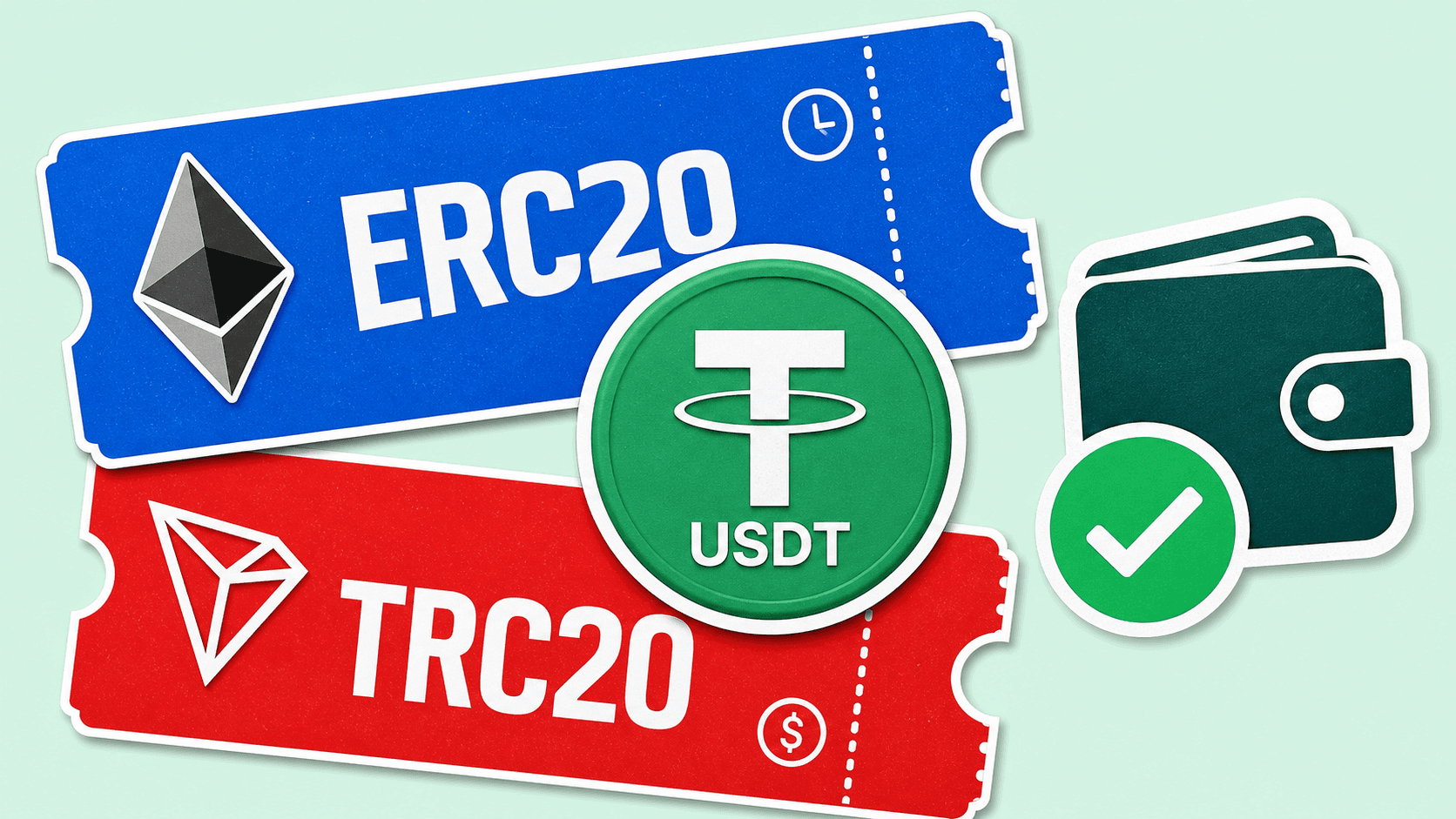
- Check the receiving wallet before choosing; if you receive USDT, compare the available USDT networks.
- Match asset and network exactly.
- Review the route before sending.
The best choice is the one that matches the job. Do not choose by the tool name; choose by the result you want to receive.
Related articles
Ready to make a swap?
Choose the pair, check the route, and continue from your wallet when you are ready.
Choose assets
You send
$646.98
You receive
Rate: -
Estimated time: 1 minutes